Performance Max vs Standard Shopping: Which One Should Ecommerce Brands Use?
Performance Max is not a replacement for Standard Shopping. Here is how to decide which campaign type belongs where in your Google Ads account — and how to use both without them fighting each other.
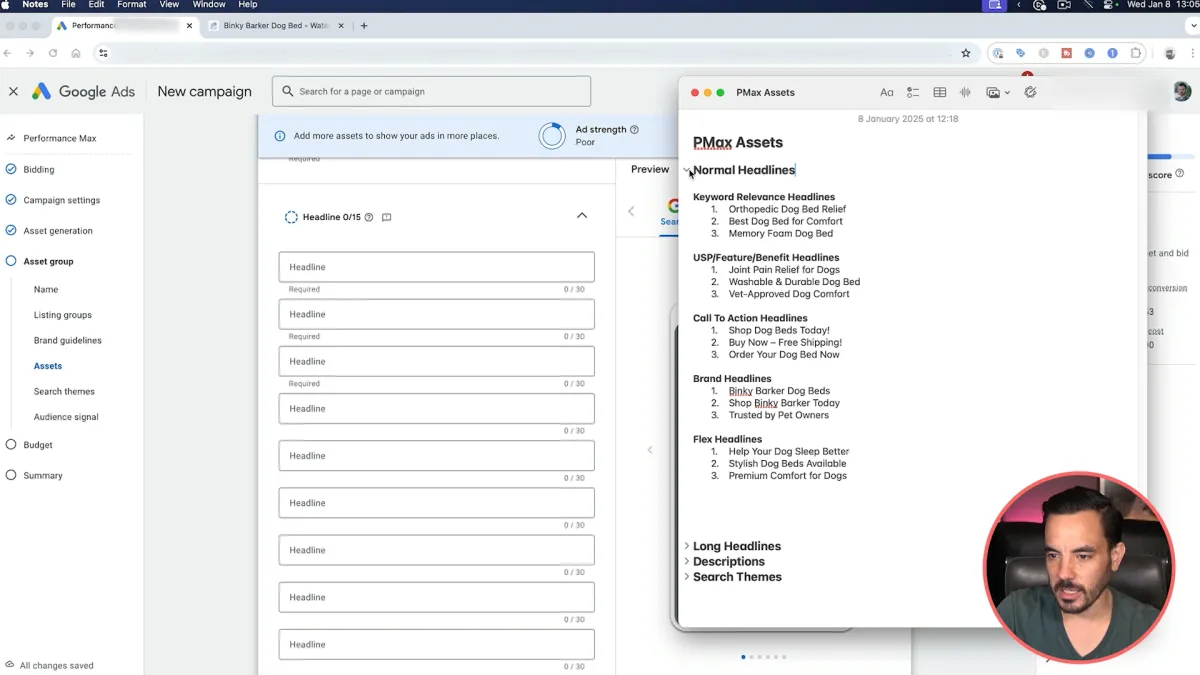
Google wants you to run Performance Max on everything. The pitch is compelling: one campaign, all placements, automated optimisation. For some Ecommerce accounts, it delivers. For others, it burns budget at scale with no way to see where.
Here is how to think about the choice.
What Performance Max is Actually Good At
PMax excels when you give it three things: strong audience signals, a large enough product feed, and at least 50–100 conversions per month to learn from.
When those conditions are met, PMax can find demand across Search, Shopping, YouTube, Display, and Gmail in ways that manual campaigns cannot. It is genuinely useful for prospecting — reaching people who are in-market but have not yet searched your brand terms.
For Ecommerce brands with strong customer lists and clear high-value segments, PMax can be a significant revenue driver.
Where Standard Shopping Still Wins
Standard Shopping gives you something PMax does not: transparency and control.
You can see exactly which search terms triggered your ads. You can set negative keywords at the campaign level. You can use the priority waterfall structure to control which products get budget first. You can bid differently on brand versus non-brand traffic.
For Ecommerce brands where margin management matters — and it matters for almost all of them — Standard Shopping is the more reliable tool for your core catalogue.
The Hybrid Approach We Use
At Big Flare, we run both in most accounts. The structure looks like this:
- Standard Shopping covers the top 80% of your catalogue by revenue. Segmented by intent tier with a priority waterfall. This is where you protect your margin and control your CPA.
- Performance Max covers your top performers — the 20% of SKUs that drive 60–70% of your revenue. PMax gets strong signals from these products and can find incremental demand you are not capturing in Shopping.
The critical step is adding your Standard Shopping campaign’s best-performing search terms as negative keywords in PMax, or at minimum adding campaign-level URL exclusions so PMax does not overlap with your highest-value retargeting traffic.
The Cannibalisation Problem
The most common issue we see is an account where PMax and Standard Shopping are bidding on the same queries. Google’s system favours PMax in most auction scenarios, so PMax wins the impression, drives the conversion, and claims the credit — even though Standard Shopping would have converted that query at a lower CPA.
You end up paying more per conversion for traffic you were already getting.
This is not Google’s fault. It is an architecture problem. The fix is to be deliberate about which campaign type “owns” each audience segment, and to use asset group segmentation in PMax to push it toward net-new demand.
The Short Version
- Standard Shopping for control, margin management, and your core catalogue
- Performance Max for incremental reach on your hero SKUs with strong audience signals
- Negatives and campaign architecture to prevent them competing against each other
If your current account has PMax and Shopping running without an explicit strategy for managing overlap, that is one of the first things we address in a Growth Roadmap review.
More Articles
All ArticlesThe 6 Most Costly Retargeting Mistakes In Google Ads And How To Fix Them
Why Retargeting Deserves Your Attention I’ve audited hundreds of ecommerce accounts and I keep seeing the same problems ruin what should be one of your most profitable campaigns in Google Ads. Retargeting, done
How To Write Google Ads Copy That Actually Converts
Why Headlines Matter 10x More I have a very simple rule when writing Google Ads: Headlines move the money. Descriptions help, but they are the supporting cast. In account after account, headlines carry roughly 90